

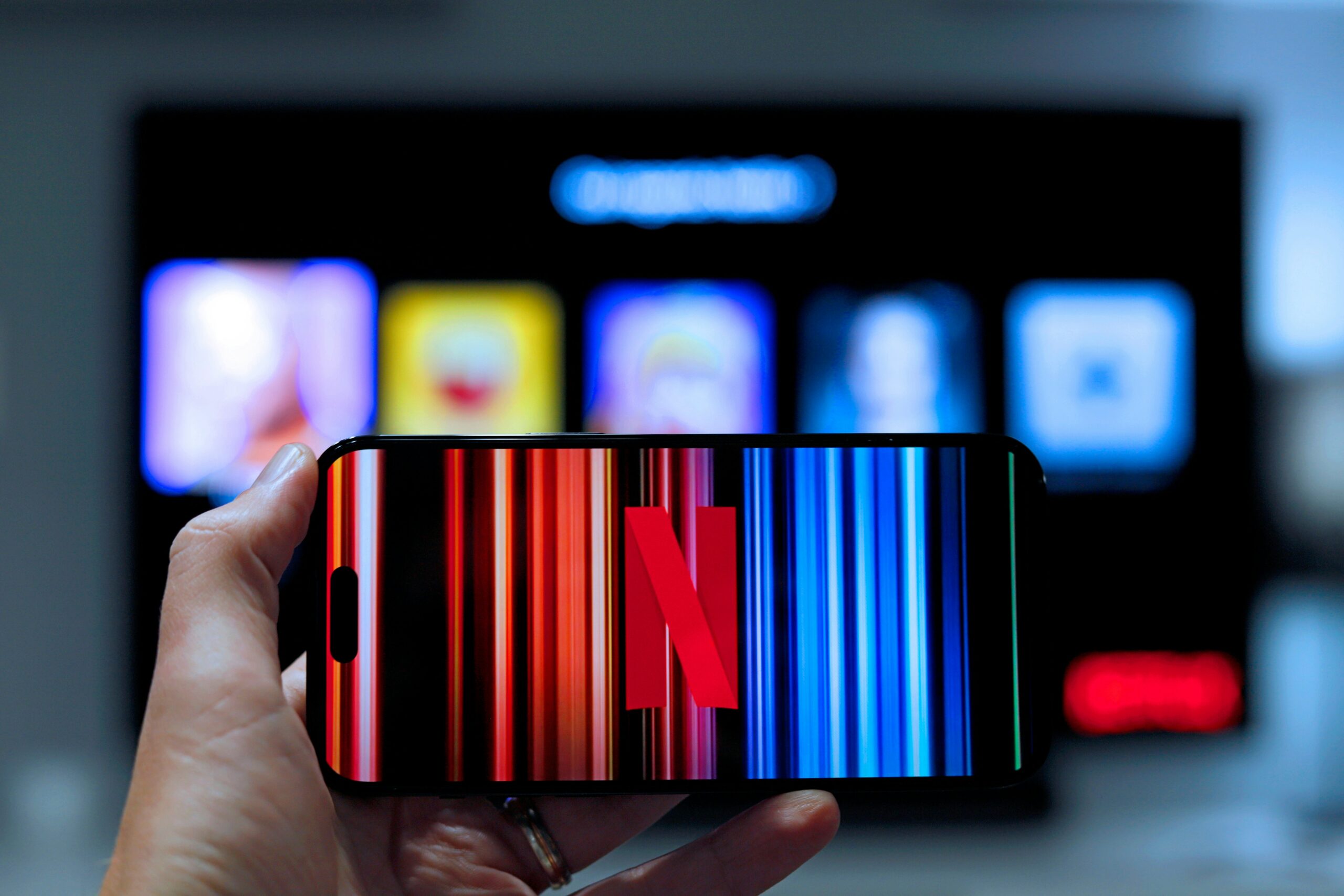
The little cast button many people relied on to beam Netflix from their phone to the TV is disappearing. Here’s what changed, why Netflix says it did it, and the remaining workarounds.
If you opened Netflix on your phone recently and noticed that the familiar cast icon is gone, you are not imagining it. Netflix has quietly removed support for casting from most mobile devices to most modern TVs and streaming boxes, directing users to use their TV’s own Netflix app and remote instead.
For years, the casting feature was a simple trick: browse shows on your phone, tap the cast button, and let the TV handle the playback. It was especially useful when travelling, visiting friends, or using a TV where you did not want to log in directly. That convenience is now largely gone.
What Exactly Has Netflix Changed?
Netflix’s updated help pages now state that the service “no longer supports casting shows from a mobile device to most TVs and TV-streaming devices.” Instead, the company instructs users to navigate Netflix using the remote that came with their TV, streaming stick or set-top box.
In practice, this means:
- The cast icon has disappeared for many users after recent app updates.
- Newer Chromecast-based devices and Google TV streamers no longer appear as cast targets.
- You cannot rely on your phone to control playback, volume or subtitles on modern TVs through casting.
For some people, this change rolled out quietly over several weeks, with no in-app warning or pop-up notice—only a missing button and a lot of confused Reddit threads.
What Still Works (For Now)
Casting is not completely dead, but it is on life support and heavily restricted.
- Older Chromecast sticks: Classic Chromecast dongles and some TVs with built-in Google Cast can still receive streams from the Netflix app, at least for now.
- Ad-free plans only: Even on those legacy devices, casting tends to work only for subscribers on ad-free Netflix tiers. Users on cheaper ad-supported plans are blocked from casting, even if their hardware is compatible.
- Local apps still fine: Netflix is not removing itself from TVs; it is removing phone-based casting. If your TV has a Netflix app, you can still sign in and watch as usual, just without your phone as the controller.
The direction of travel is clear: Netflix wants you using its TV app directly—not your phone—as the main interface.
Why Would Netflix Make The Experience Worse?
On the surface, the move seems strange. Casting was a popular workflow for travellers, people sharing accounts and anyone who simply preferred browsing on a phone instead of using a clunky remote.
Officially, Netflix says the feature had low usage and that the company is focusing its resources on options that “provide more value” to members. It has used similar language in the past when retiring underused features, like its early AirPlay support on iOS.
Unofficially, there are a few obvious incentives:
- Ad control: It is easier to control new ad formats and track viewing when everything runs inside the TV app, not through an external cast pipeline.
- Account enforcement: Casting was a convenient loophole for people watching through someone else’s account on phones and hotel TVs.
- Simplified support: Fewer supported casting setups means fewer combinations to test and troubleshoot.
Whatever the internal reasons, the result for users is simple: fewer ways to watch.
Who Loses The Most?
The hardest-hit groups are:
- Travellers and hotel guests who relied on casting from phones instead of logging into Netflix on public or shared TVs.
- Households with older or awkward TV interfaces where the phone app was faster and easier to use than the remote.
- People on the ad-supported tier who now lose both casting and some control over how they watch and when ads appear.
For viewers who had built their nightly routine around browsing Netflix on a phone and tapping cast, the new workflow feels noticeably clunkier.
Alternatives And Workarounds
If you are frustrated by the change, there are still options:
- Use built-in apps: Sign in to Netflix directly on your TV or streaming box and use the remote. Not glamorous, but reliable.
- Check for legacy devices: If you still own an older Chromecast or a TV with built-in Google Cast, you may retain casting for a while—especially on ad-free plans.
- Use other casting methods for other apps: Some rival services still support casting or have their own phone-based remote features, at least for now.
- Consider a universal streamer: Devices like Apple TV, Roku or high-end Google TV sticks can make app navigation a bit smoother than low-end built-in TV software.
None of these bring back the precise Netflix casting experience, but they can reduce the friction of navigating on a TV.
The Bigger Trend Behind A Small Icon Disappearing
Killing phone-to-TV casting might seem like a niche technical tweak, but it fits a bigger pattern: streaming platforms are tightening control, focusing on direct app usage and designing features around subscription tiers and ads, not just user convenience.
For viewers, it is a reminder that the tools we quietly depend on—like a tiny cast button—can vanish overnight when the business priorities of a platform change. The only constant is that streaming, like everything else in tech, will continue to evolve on the company’s terms, not ours.
Leave a Reply